Single site
$4912 months of updates
K2Bridge / K2 to Joomla 5
Move legacy K2 items, category trees, tags and extra fields into a fresh Joomla 5 site.
Choose your edition →Read the migration guideNative articles and custom fields from legacy K2 content.
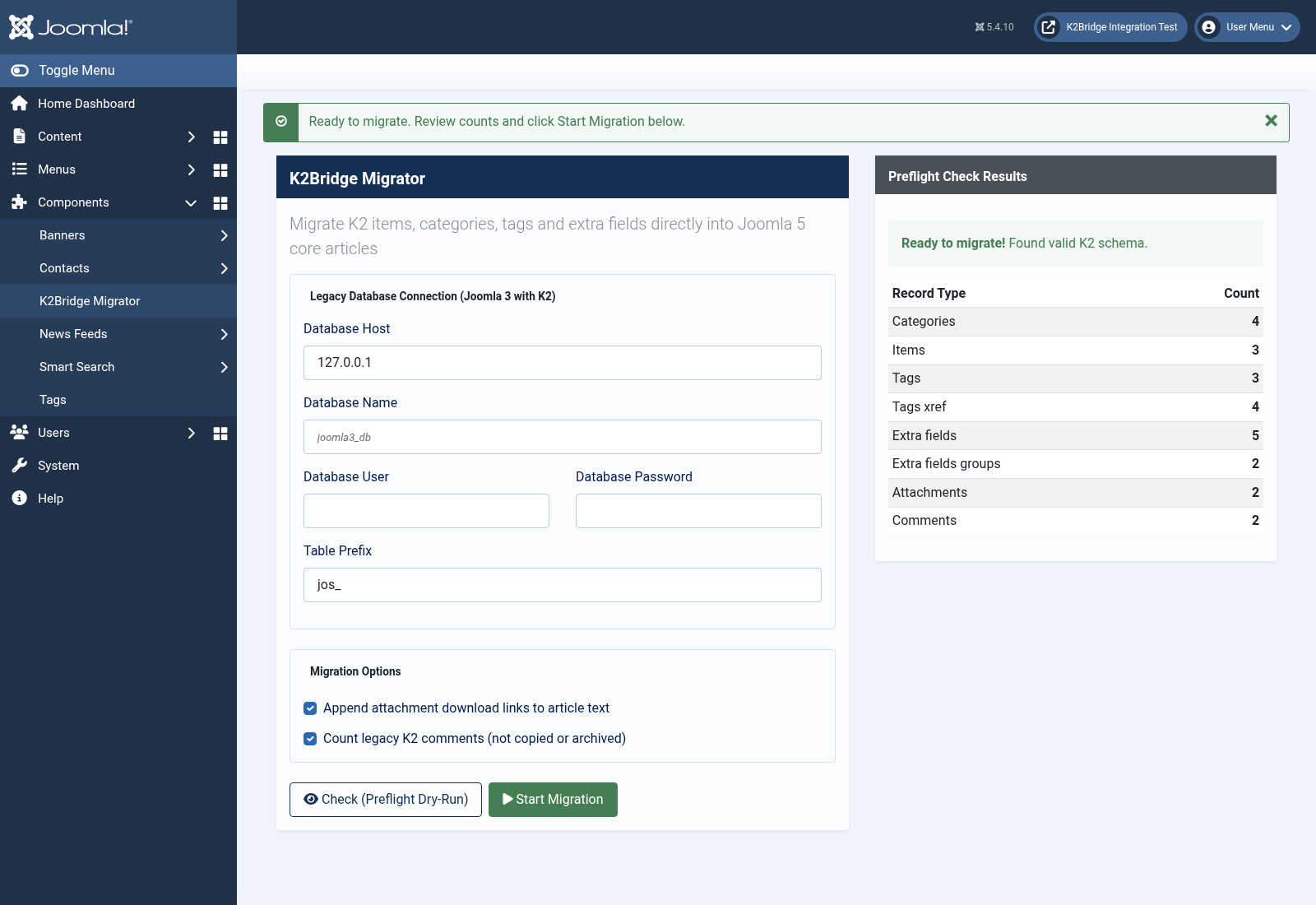
Know what's coming. Run the preflight check before making changes.
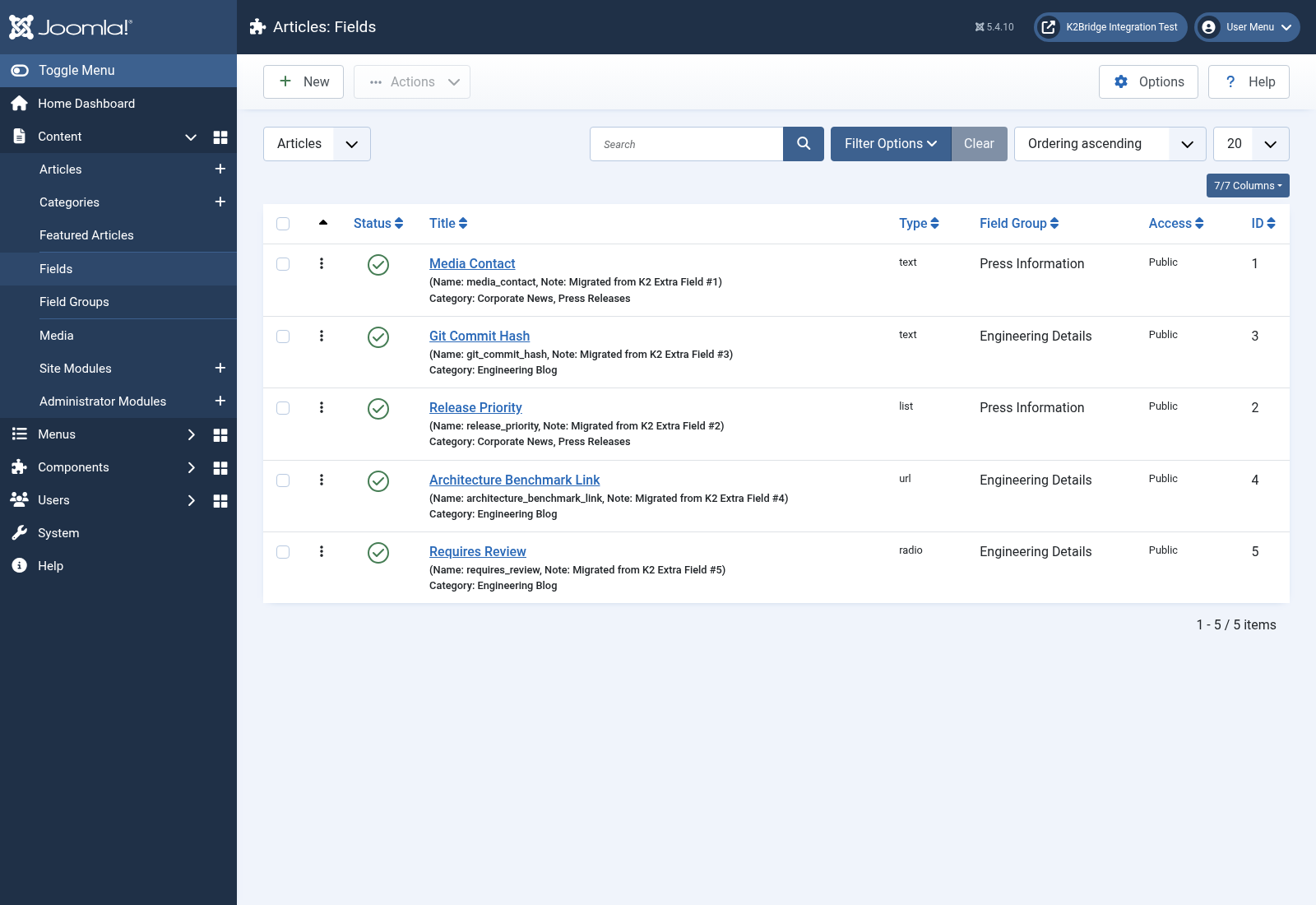
Extra field groups, definitions and item values become Joomla fields.
The legacy database is only read.
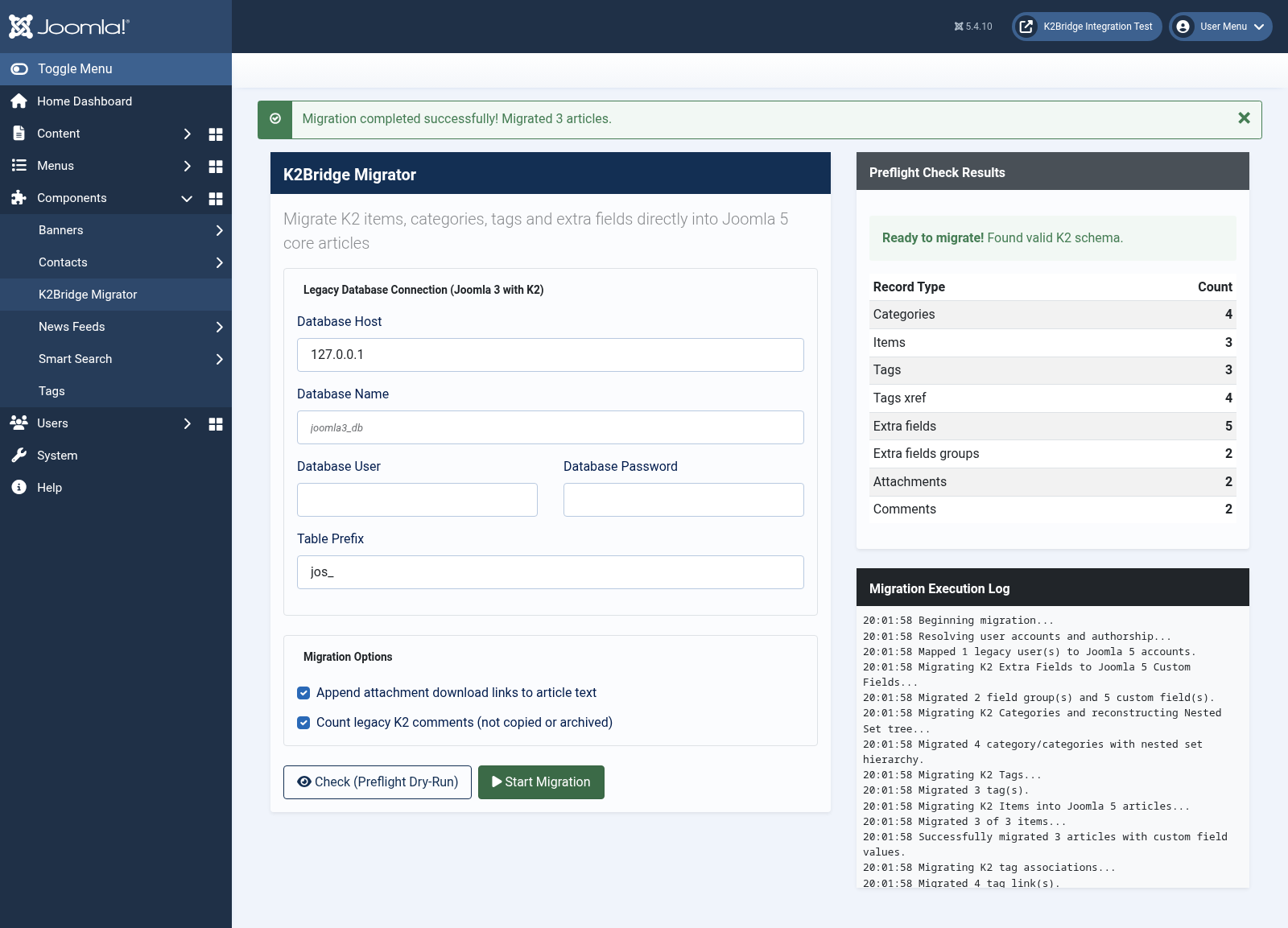
Check the source and migrate from the administrator or command line.
Scope, without surprises
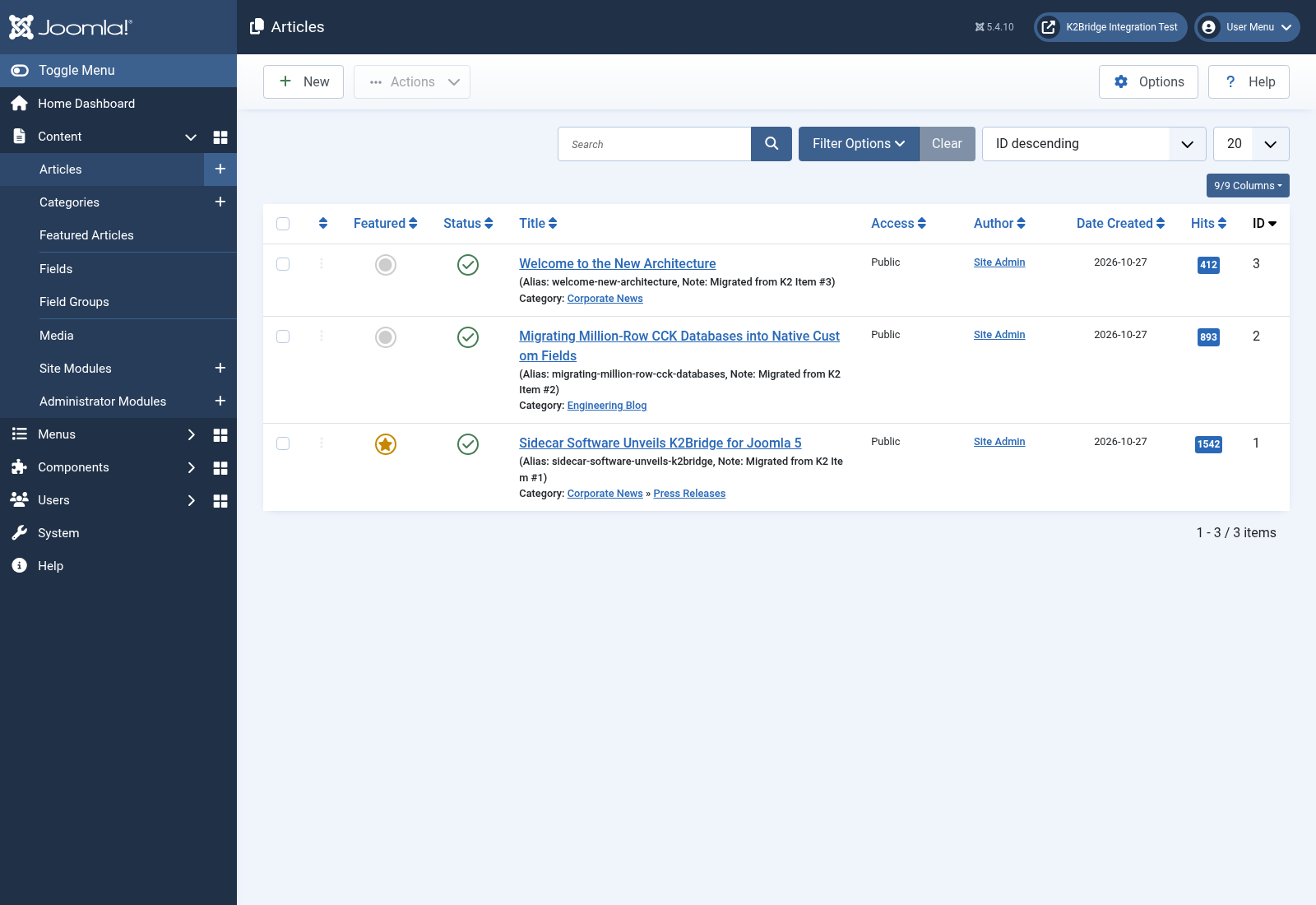
Items and article IDs, text, aliases, dates, publication state, hits and featured flags; category trees, tags and extra fields. Category and tag IDs are remapped. Authors match existing users by email; unmatched authors use the target user with the lowest ID.
Comment text, users/passwords, media files, galleries, menus, modules, templates, permissions and other extension data. Attachments become links only; copy image and attachment files separately. Old K2 URLs are not guaranteed.
Fresh Joomla 5 target with no articles or existing custom fields, categories or tags of your own; SELECT access to the legacy K2 and Joomla users tables. Tested with the included fixture on Joomla 5.4.10, PHP 8.3 and MariaDB.
Setup
Comments are counted only, never copied or archived. Migration is not an incremental sync. Use CLI for large sources. Target changes use one transaction; use InnoDB. Restore a backup to undo a committed run.
One tool. Your next move.
One-time prices in USD. Applicable taxes calculated at checkout.
12 months of updates
For agencies and multiple sites
Sandbox checkout - configuration pending. No live purchases.
GNU General Public License version 2 or later. Site tiers describe the commercial update offering; GPL rights are unaffected.